

Skip to content
AnyTa v0.1.0 alpha
Docs ↗

Launch 15 NOV 2026

Your art, ready for your embroidery machine. In minutes, not hours.

AnyTa turns your design into stitches that you can adjust one by one and export to DST, PES, JEF and EXP. No subscription, no limits and no paying per design.

$0

today, tomorrow and always

4

machine formats

16

languages

∞

designs and stitches

anyta / corazon.any 0 stitches
stitch / 2.4 mm X 0 / Y 0
2 threads
01

Process

Idea / Stitch / Output

From idea to embroidery, 3 simple steps

No endless learning curve or hidden workflows. Import, adjust and export. You decide how much control you want over every stitch.

Step 01 / Import Vector + raster

Import your art

Drag an image onto the canvas or start from scratch and build your shapes and text.

Multiple ways to start

  • +start from a blank canvas
  • +drag SVG, PNG, JPEG, WebP or BMP
  • +open an existing .any project
Canvas / Import chicago.png
X 0 / Y 0 mm
Reference artwork imported into the AnyTa canvas
Drag · Ctrl scale
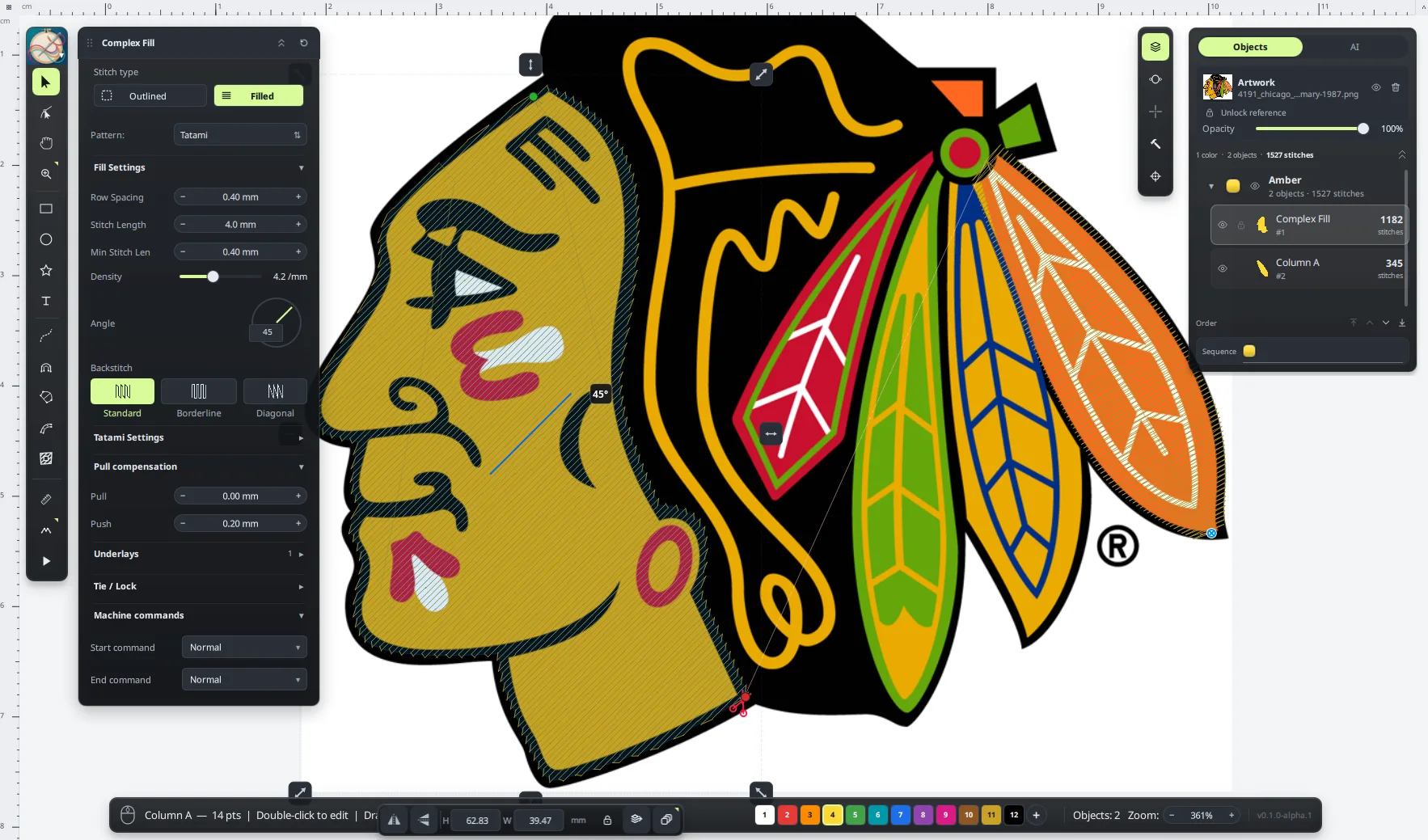
Digitize / Complex Fill 02 objects
AnyTa Complex Fill panel with the digitized artwork and stitch properties
Tatami · 0.40 mm 1.527 stitches
Step 02 / Digitize Auto / Guided / Manual

Digitize every detail

From automatic conversion to manual control of every path, fill and stitch.

Choose your level of control

01

Automatic

Turn an image into stitches with one click.

02

Guided

Set options and select the regions to digitize.

03

Manual

Full control over nodes, fills and sequence.

Step 03 / Export DST · PES · JEF · EXP

Export and embroider

Export to your machine format, set the origin (0,0) and start embroidering your creation.

Compatible machine formats

PES DST EXP JEF

+ PEC · HUS · VIP · SEW · KSM · TAP

Output / Machine origin Center
Origin / 0,0 Center
02

Capabilities

Core / Tools / Precision

Simple to start. Professional when you need it.

Import your art and start digitizing. When you want more control, every object, every stitch and every underlay can be adjusted.

Workspace / Canvas 83 objects · 7.376 stitches
Full AnyTa interface with the embroidery canvas, property inspector and object list
Assign / Colors 04 colors · 83 objects

Guided workflow

Every color, its stitch.

Assign tatami, columns, running or bean stitch to every color in the design. AnyTa keeps the sequence and connections under control.

  • +automatic suggestions by region
  • +editable sequence and connections
  • +unlimited undo
Assign stitches 04 colors
Magenta Tatami
Verde Column A
Naranja Running
Oro Bean
Secuencia

Export / Formats 04

No converters.

Files ready for your machine, with thread information included.

DST PES JEF EXP
Color stops
Included
Thread map
Included

+ PEC · HUS · VIP · SEW · KSM

Raster / Trace PNG → stitch

Images to stitches

Trace a reference image and turn it into color regions ready to digitize.

PNG · JPEG · WEBP · BMP

Precision / Params 05

Real precision

Density, angle, compensation, underlay and entry and exit points.

Densidad
0.40 mm
Ángulo
45.0°
Underlay
Edge walk
Optimize / Sequence 02-opt

Path optimization

Reorder objects and reduce jumps and trims before exporting.

Order
2-opt
Jumps
Minimized
Trims
Reduced
Languages / i18n 16 / 16

16 languages. One tool.

The interface is available in 16 languages, with reviewed embroidery terminology.

  • English
  • Español
  • Português (Brasil)
  • Français
  • Deutsch
  • 日本語
  • 한국어
  • 简体中文
  • Italiano
  • Nederlands
  • Türkçe
  • Русский
  • हिन्दी
  • Bahasa Indonesia
  • Polski
  • Svenska
03

Gallery

08 files / ZIP

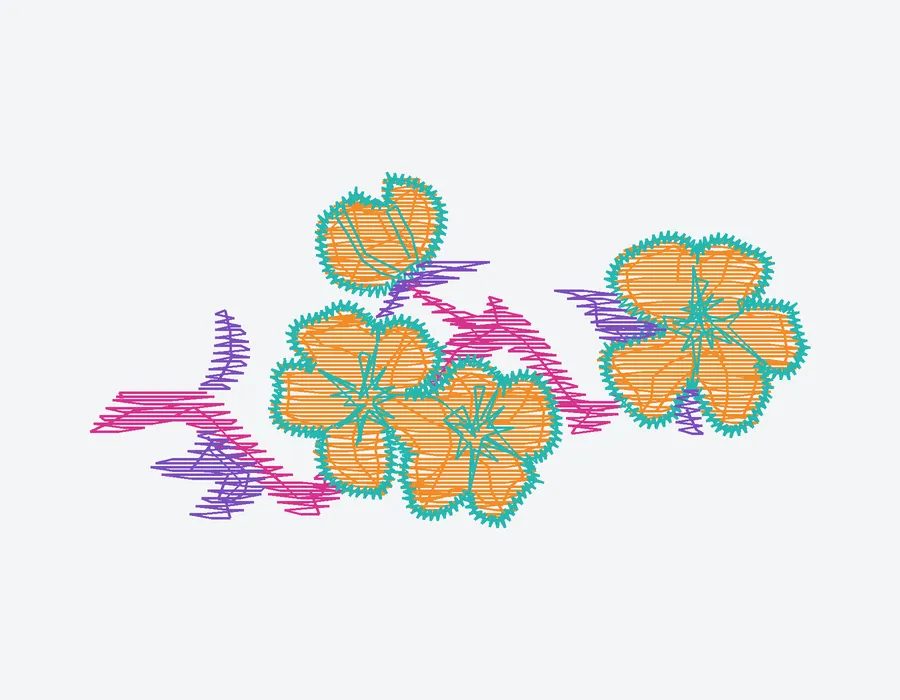
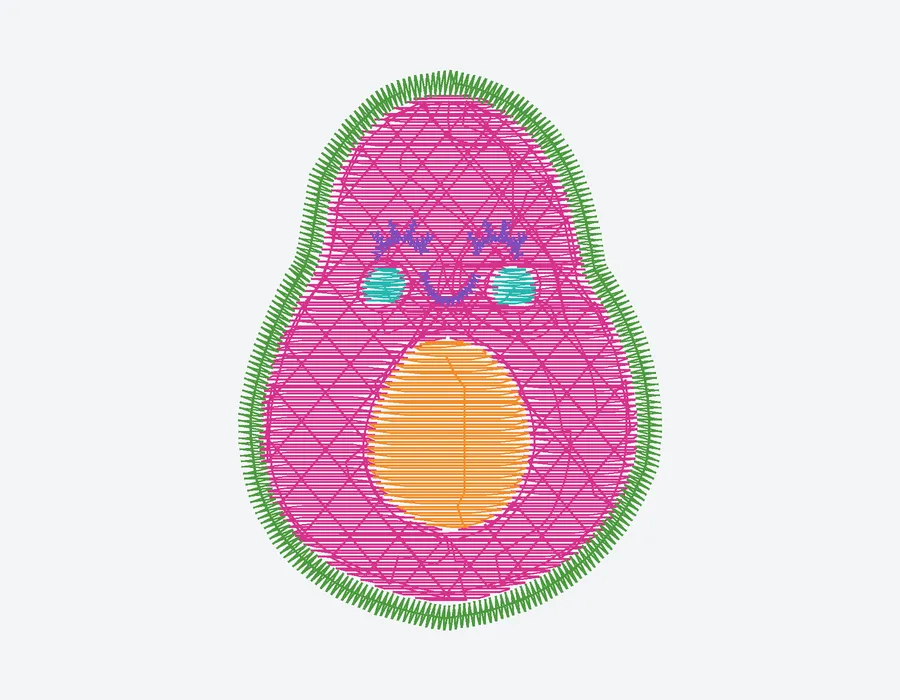
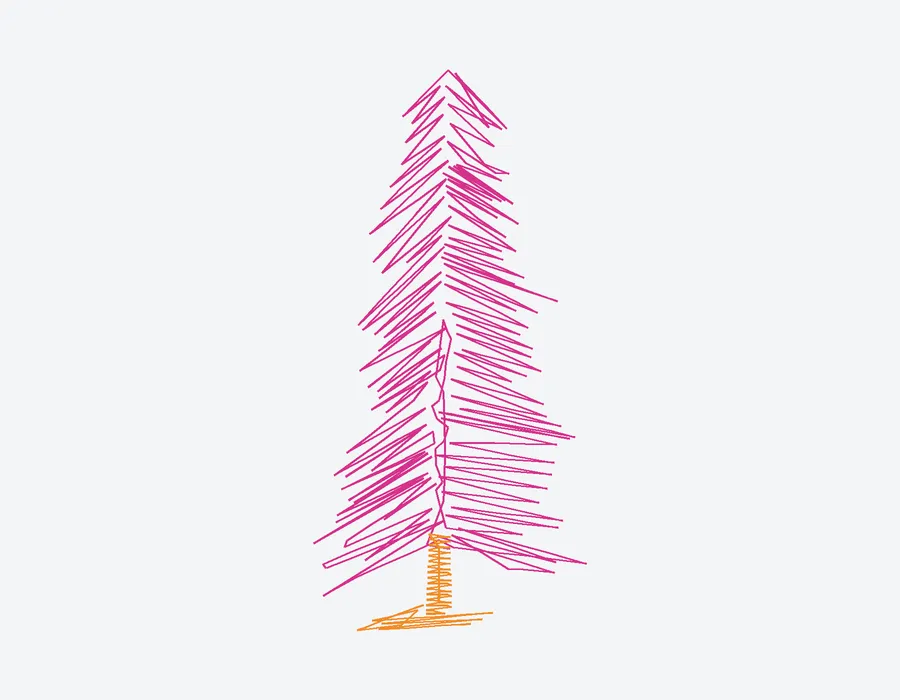
Made with AnyTa

Free designs in DST, PES, JEF and EXP. Download the ZIP and take them straight to your machine.

Every ZIP includes DST · PES · JEF · EXP

View all designs
04 / License Free proprietary

Always free

Free. No asterisks.

AnyTa is freeware: every feature, no subscriptions, no 30-day trials and no artificial limits.

View launch Win 10+ · macOS 12+ · Linux
  • 01 No subscriptions or hidden fees OK
  • 02 No project or undo limits OK
  • 03 No watermark on your designs OK
  • 04 Full export from day one OK
05 / Launch Scheduled

Launch · 15 NOV 2026

Your next idea is ready to be embroidered.

AnyTa launches on November 15, 2026. In the meantime, check the news and documentation.

AnyTa 0.1.0 alpha · Free proprietary · Docs CC BY 4.0